Featured Features・Chat Mode
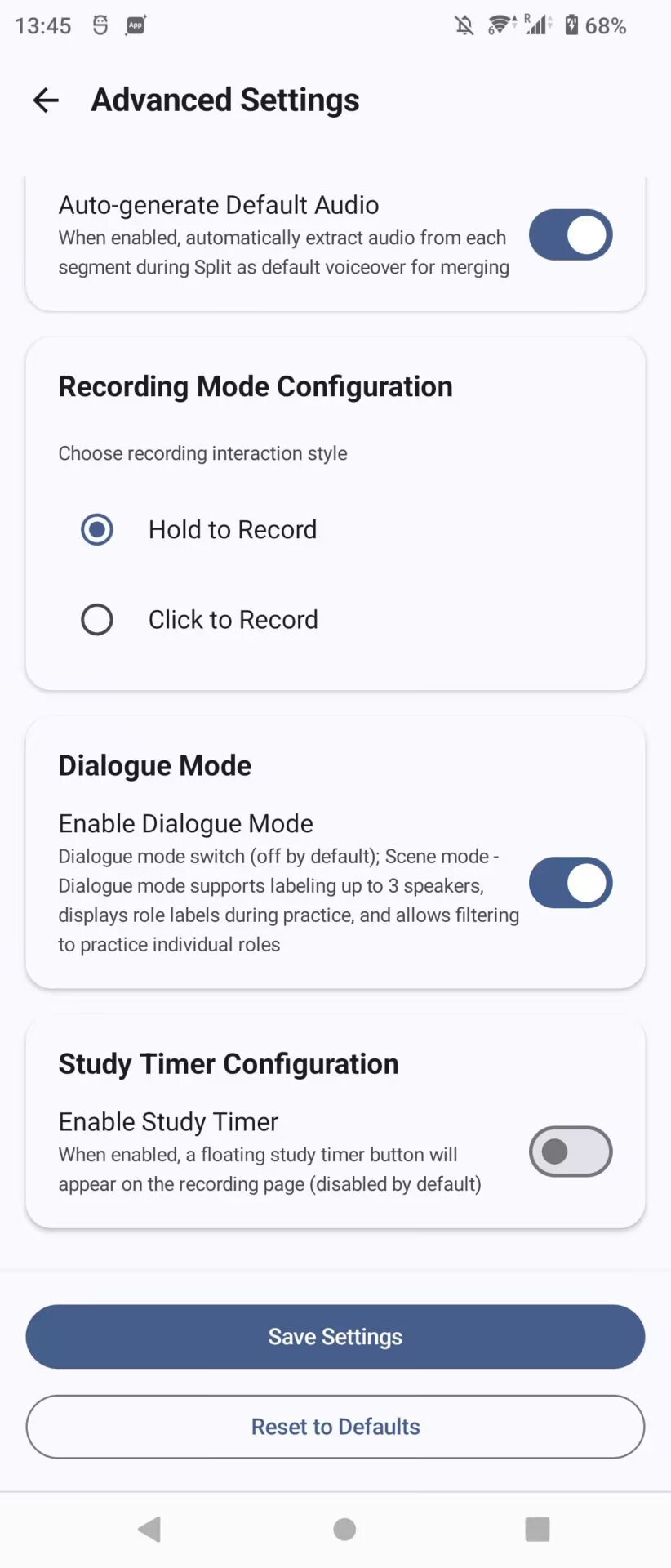
When practicing dialogues or interviews, you can repeat after just one person's part. The app adds a Conversation Mode. Turn it on in Advanced Settings (off by default).
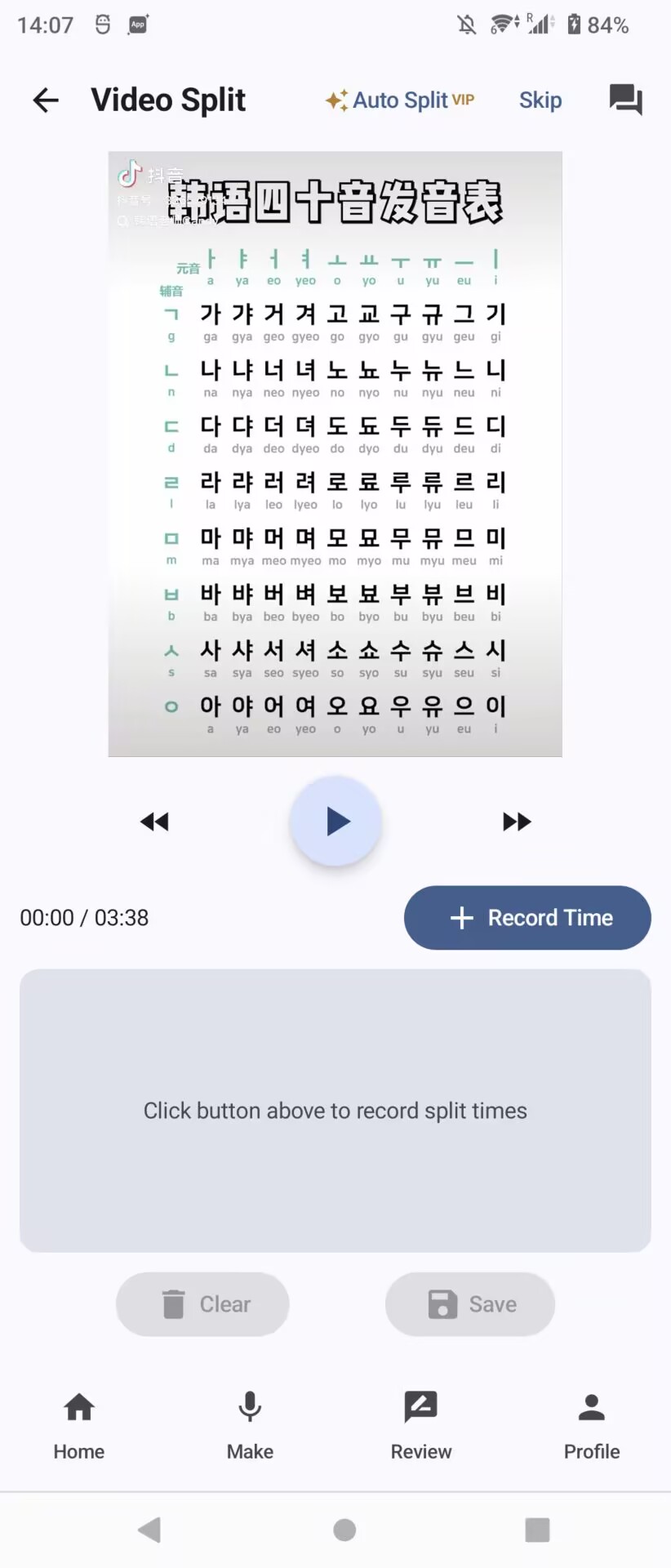
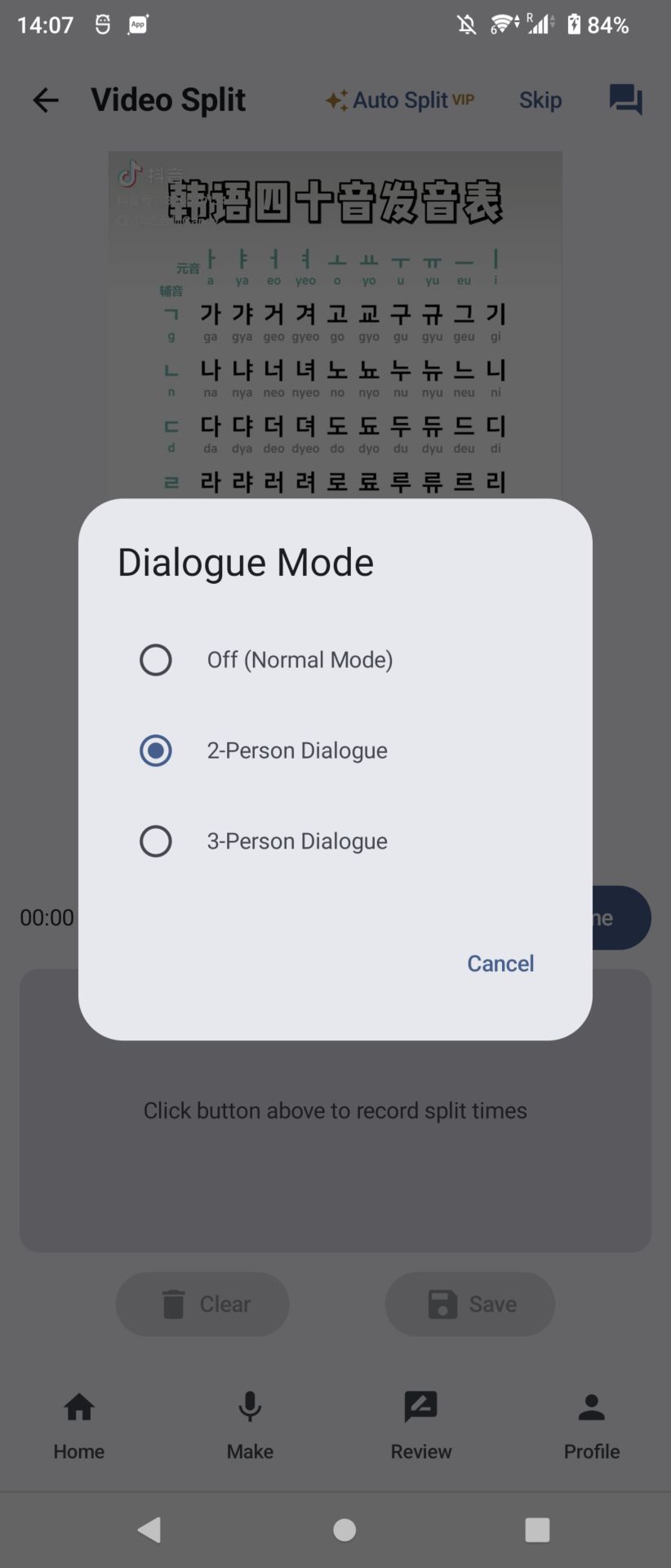
After turning it on, go to the "Video Split" screen. In the top right corner, set the number of speakers. Once set, time markers will automatically show labels like A, B, etc. Tap a label to switch roles in order.
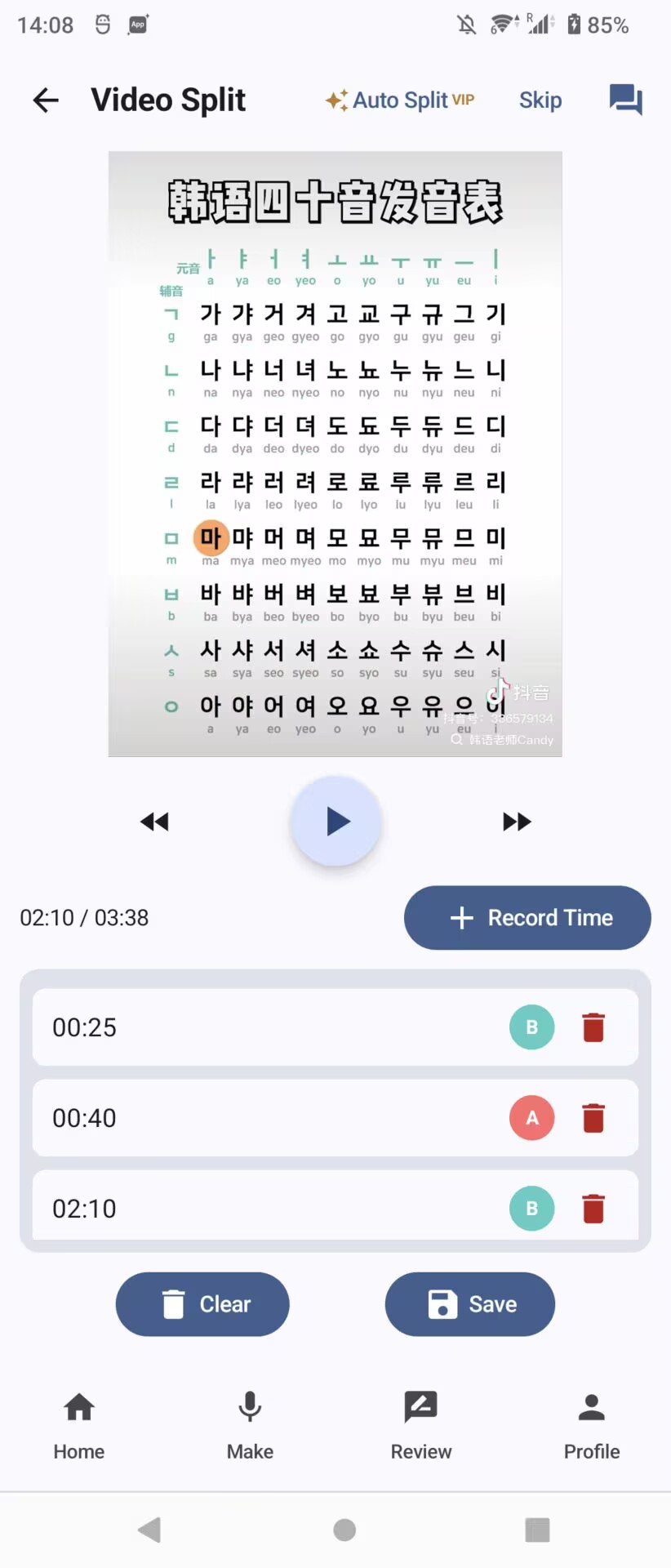
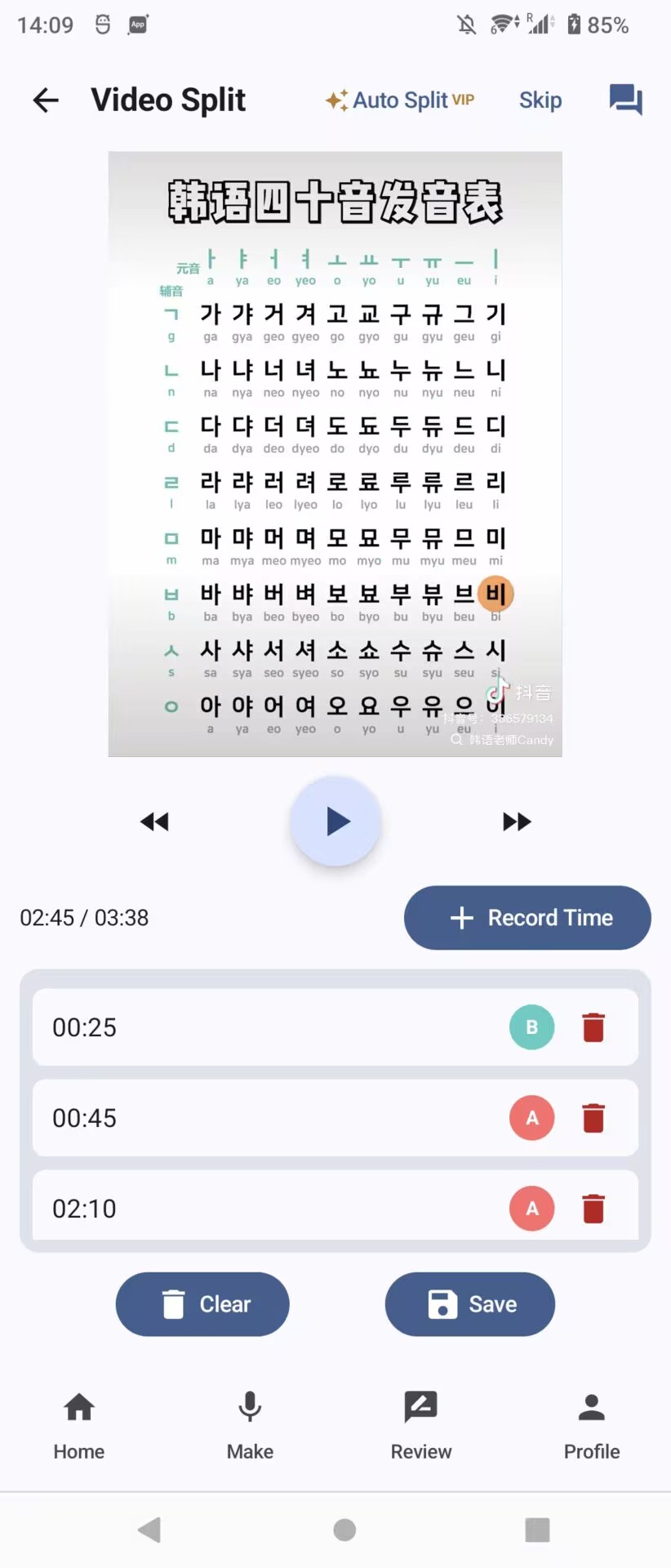
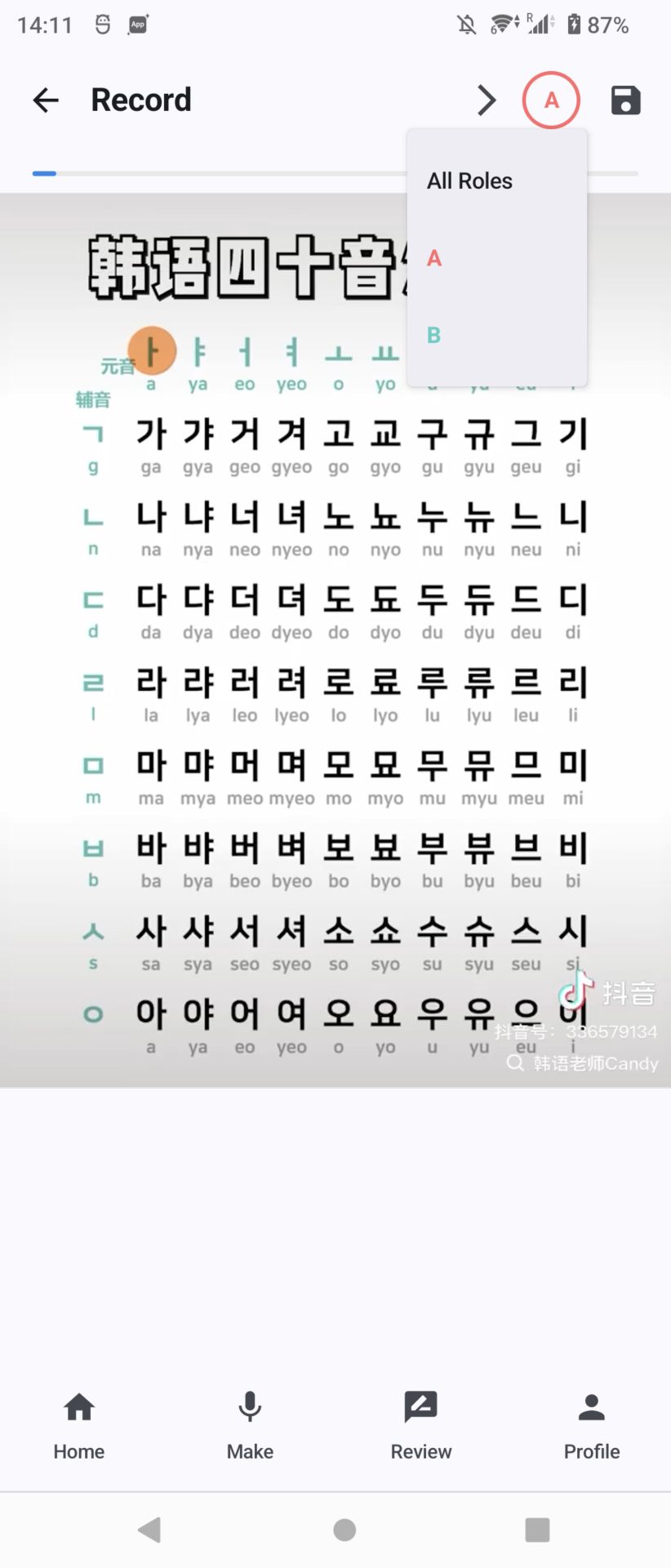
After saving, the "Record" screen will show the role for the current clip in the top right corner. Tap the label to choose a role. Then tap "Next" to automatically go to that role's clips.